Numbrick: Calculator & Steps
A calculator that shows its steps and checks every answer, plus a full scientific mode that works offline.
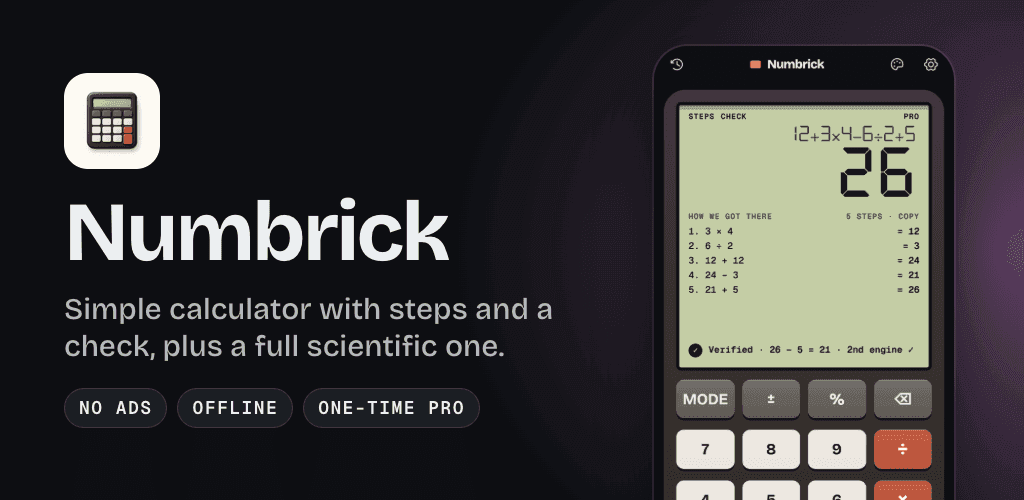
Numbrick is a free calculator app for Android and iOS that shows the steps behind each answer, checks every result and includes a full scientific calculator. It has no ads, works offline, offers an optional one-time Pro purchase and is published by RedFoxApps.
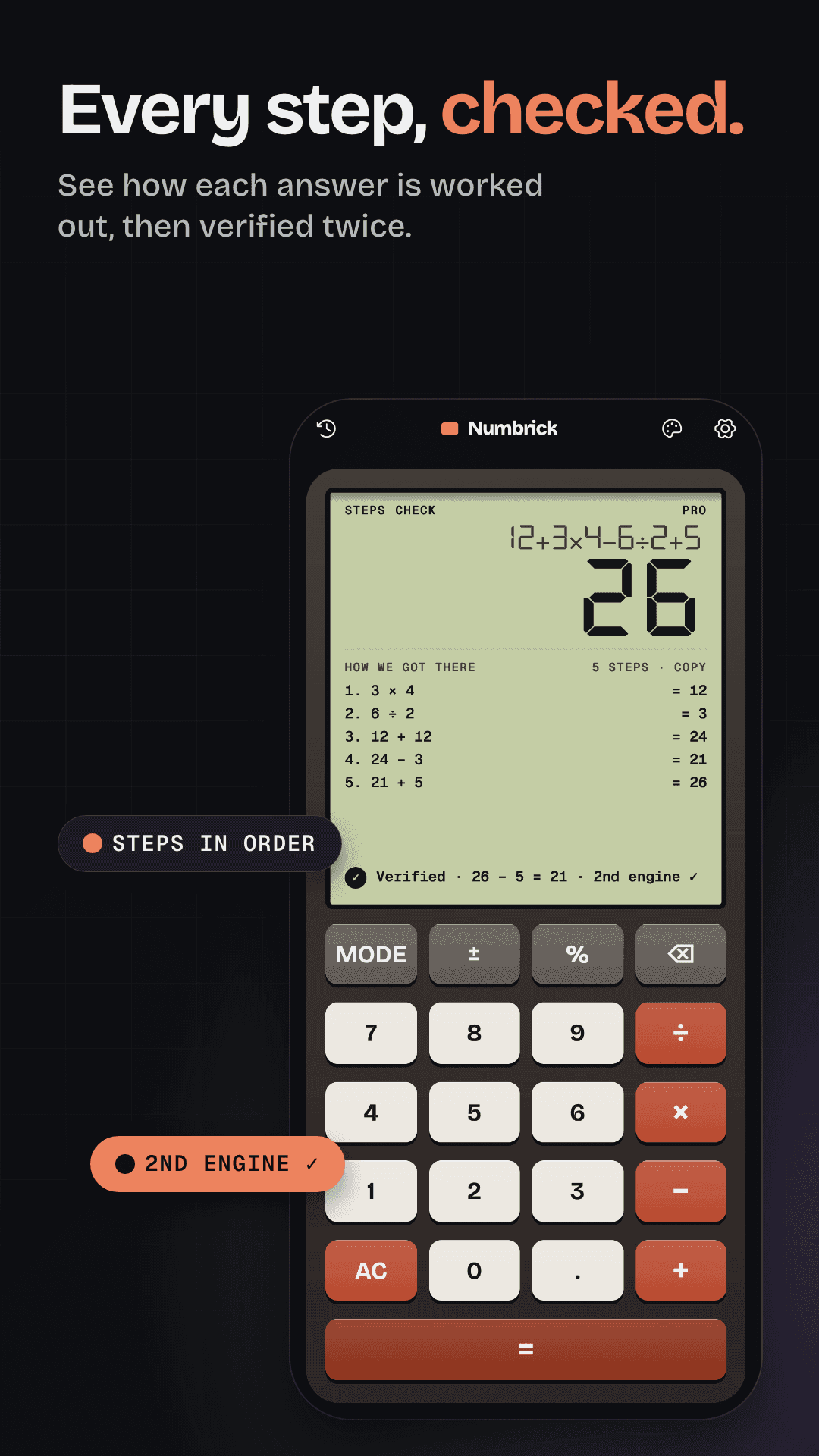
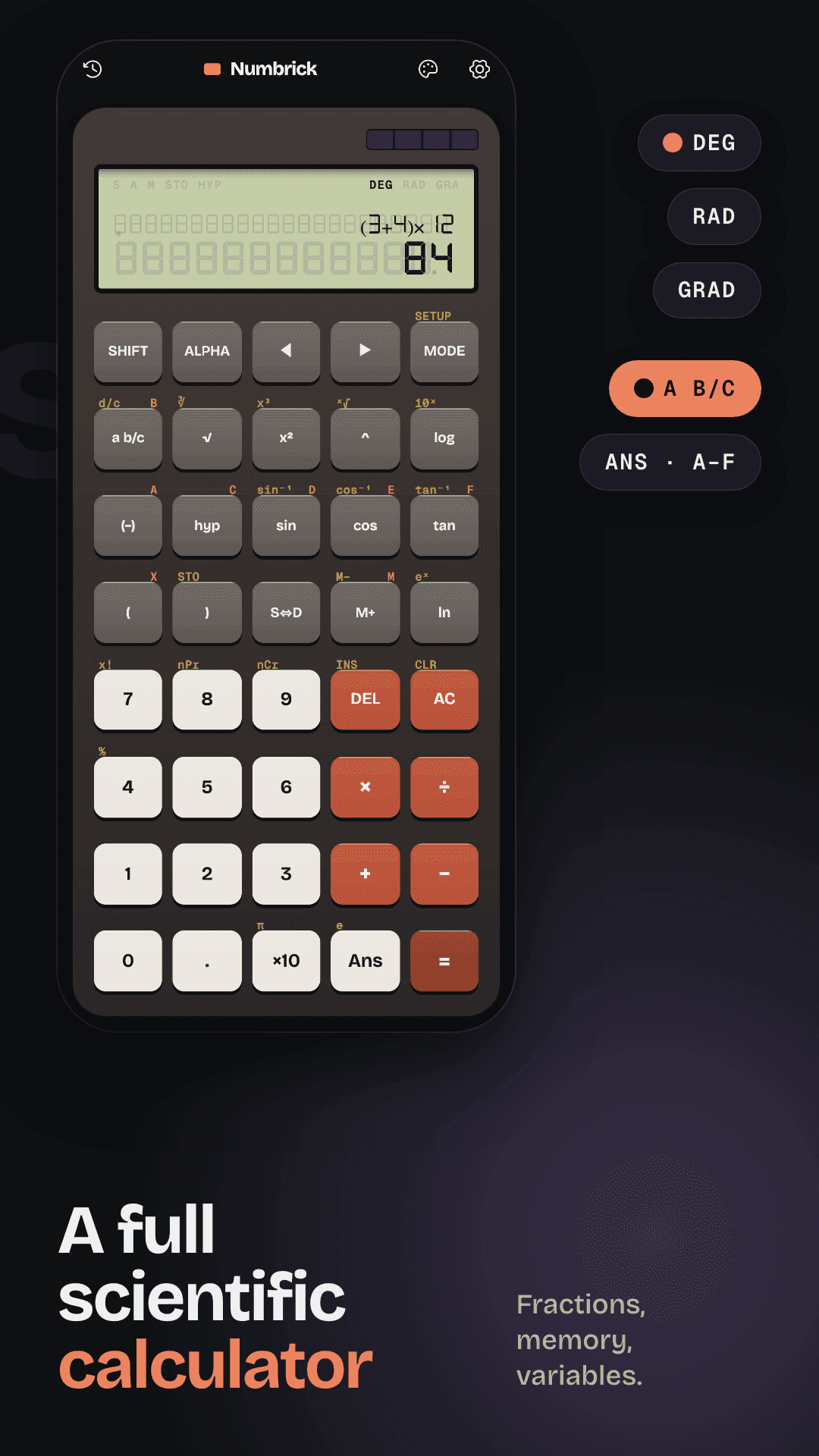
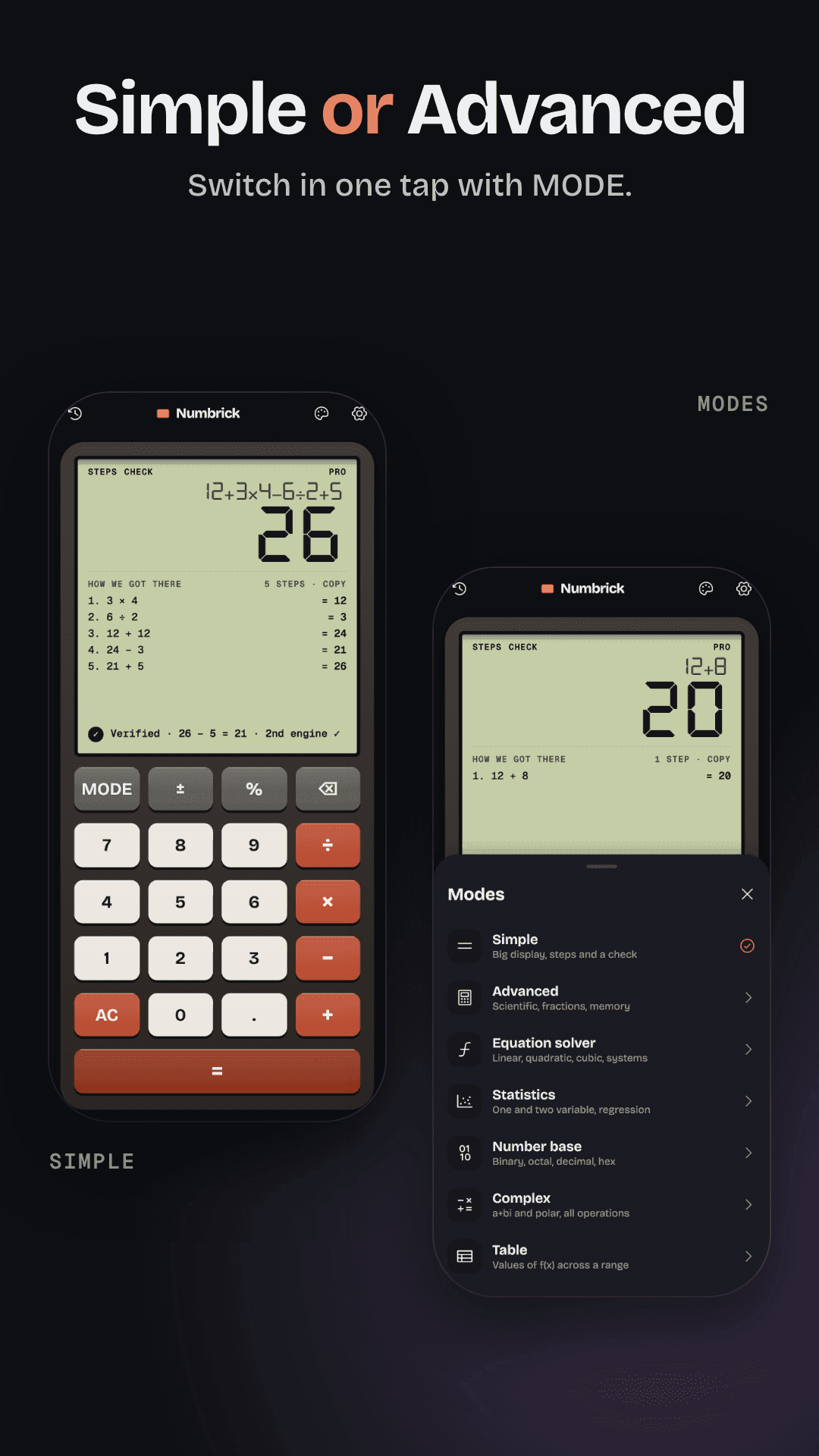
Numbrick puts two calculators in one app. Simple shows how each answer was reached and checks it. Advanced is a full scientific calculator with the key logic of a classic two-line handheld. Everything works offline, with no account and no ads.
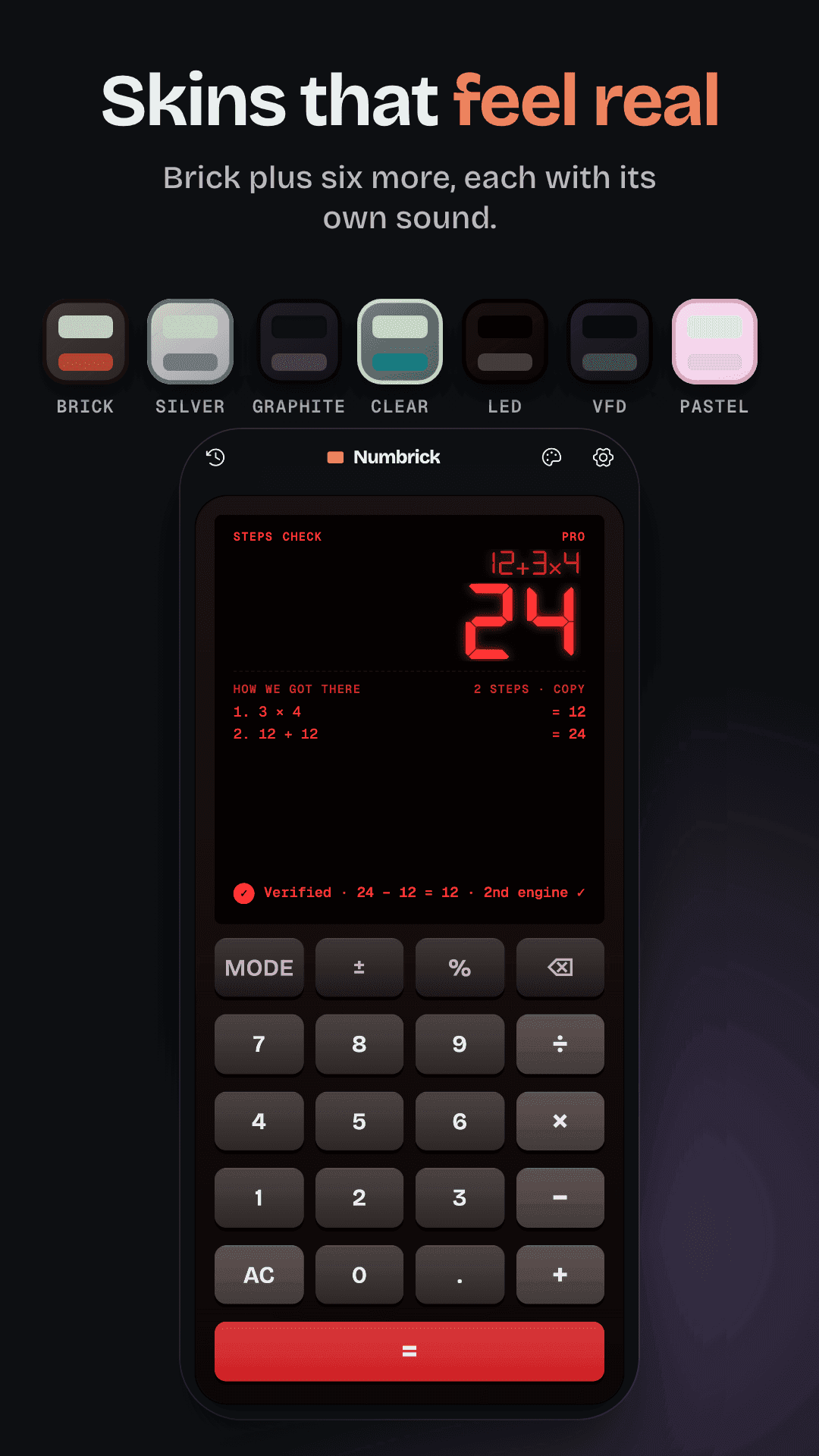
- Simple calculator with steps in the right order (× and ÷ before + and −) and a check on every answer
- Percent that works the way you expect (200 + 10% = 220) and exact decimals (0.1 + 0.2 = 0.3)
- Advanced scientific mode with fractions, memory, variables A–F and Ans, DEG / RAD / GRAD, and Norm, Fix, Sci and Eng display formats
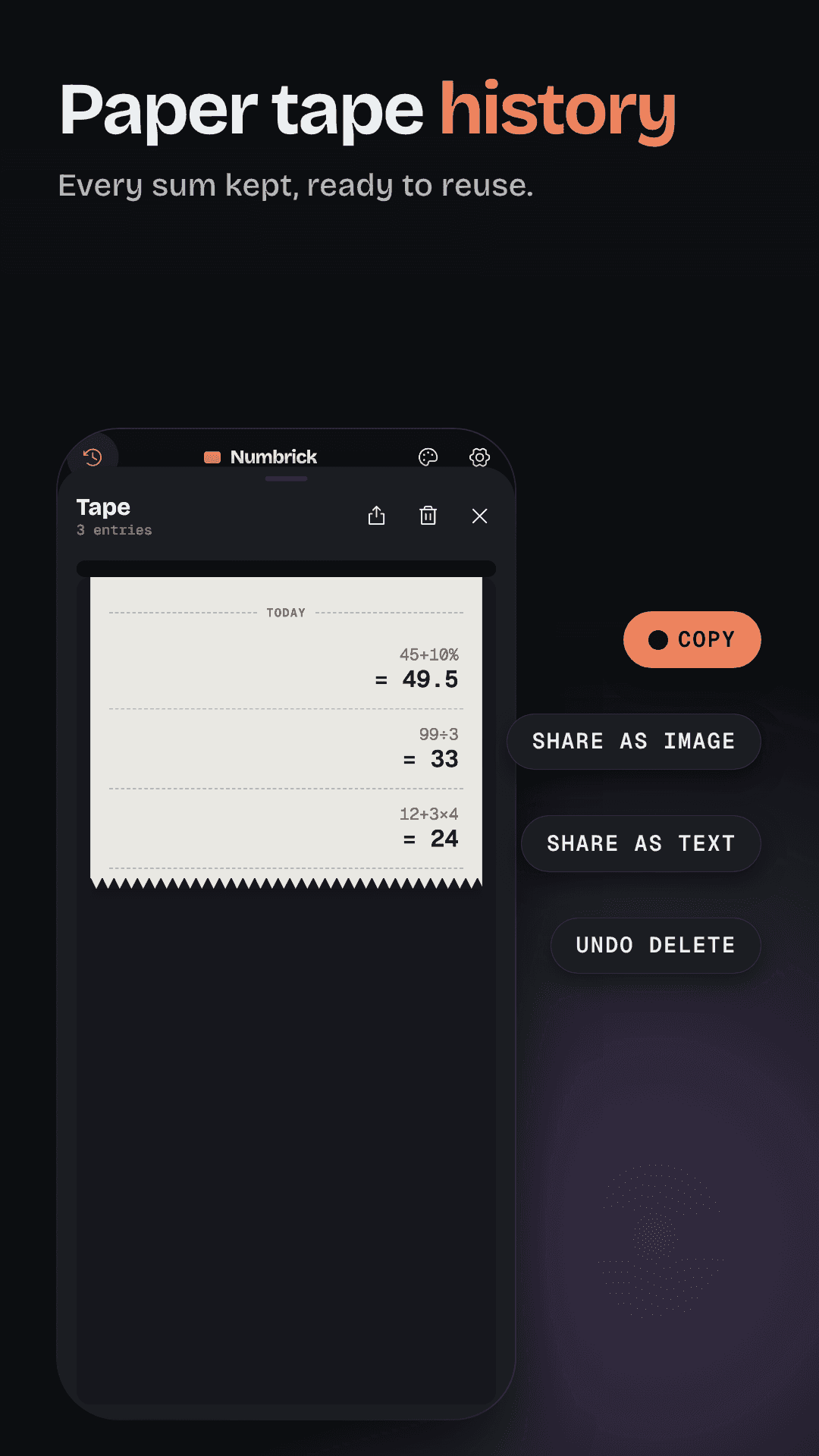
- Paper tape history you can copy or share
- Animated guides that show, key by key, how to do common tasks
- Haptics, optional key sounds and a body that looks like a real desk calculator
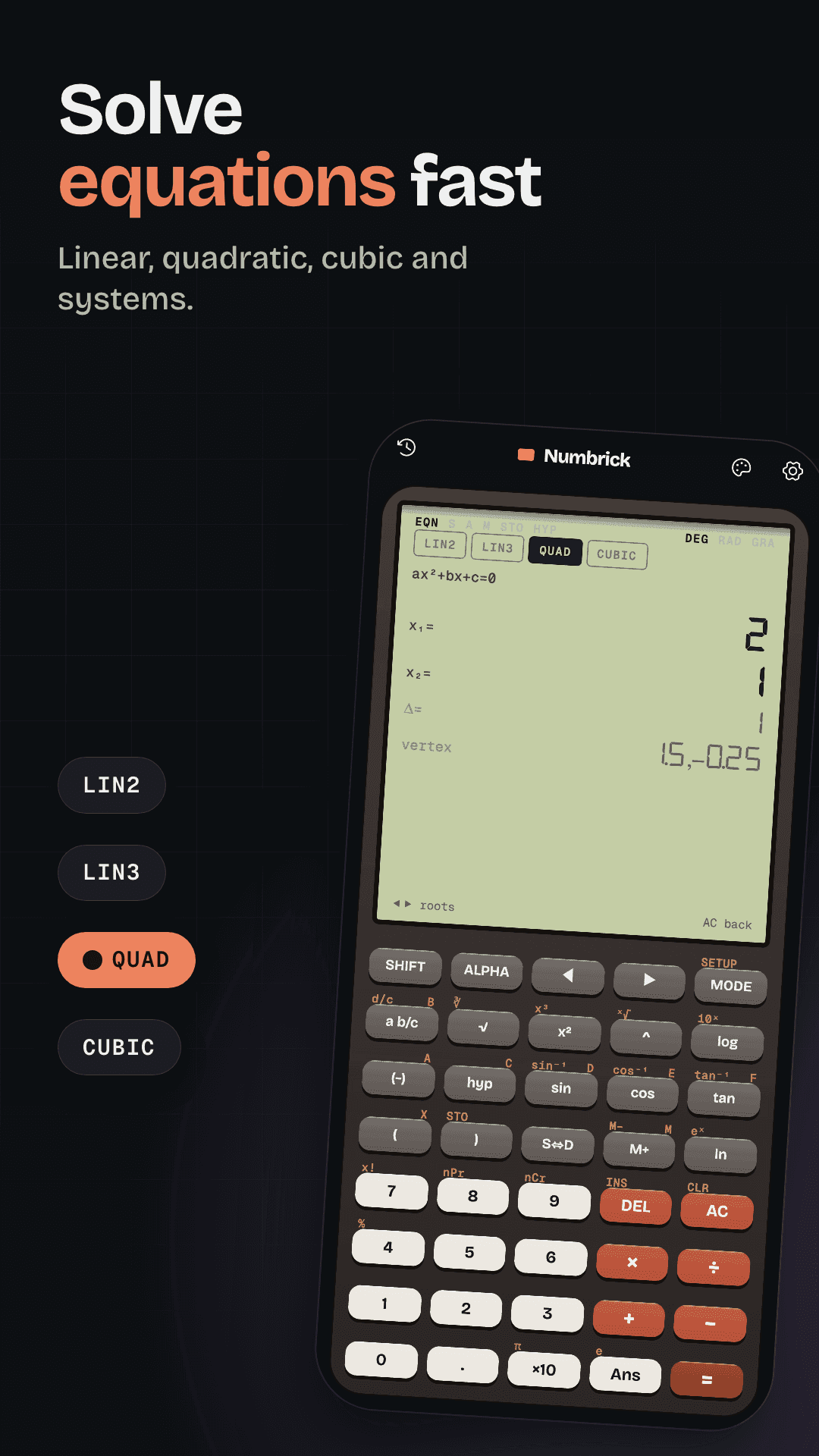
- Numbrick Pro, a one-time purchase: every step and the full check, equation solver, statistics and regression, number bases, complex numbers, tables, unlimited tape, landscape mode, 6 extra skins and sound packs, Android home-screen widgets and all guides
Screenshots.
Frequently asked questions
What is Numbrick?
Numbrick is a calculator app for Android and iOS with two calculators in one: Simple, which shows the steps behind each answer and checks it, and Advanced, a full scientific calculator. It is published by RedFoxApps.
Is Numbrick free?
Yes. The Simple and Advanced calculators are free, with no ads and no subscription. Numbrick Pro is an optional one-time in-app purchase that unlocks every step, the extra modes, skins, widgets and all guides.
Which devices does it run on?
Android phones and tablets, and iPhone and iPad. Store links will appear here when Numbrick is released.
Does Numbrick work offline?
Yes. Every calculator, mode and guide works without a connection, and there is no account. The internet is only used to buy or restore Numbrick Pro, and Pro keeps working offline after purchase.
Where is the privacy policy?
At /apps/numbrick/privacy-policy. It stays at this address permanently.
How do I get support?
Use the support page or email [email protected].
Built with.
Have a game or app to build, publish or grow?
Tell us what you are working on. We reply with a clear next step.
Contact us