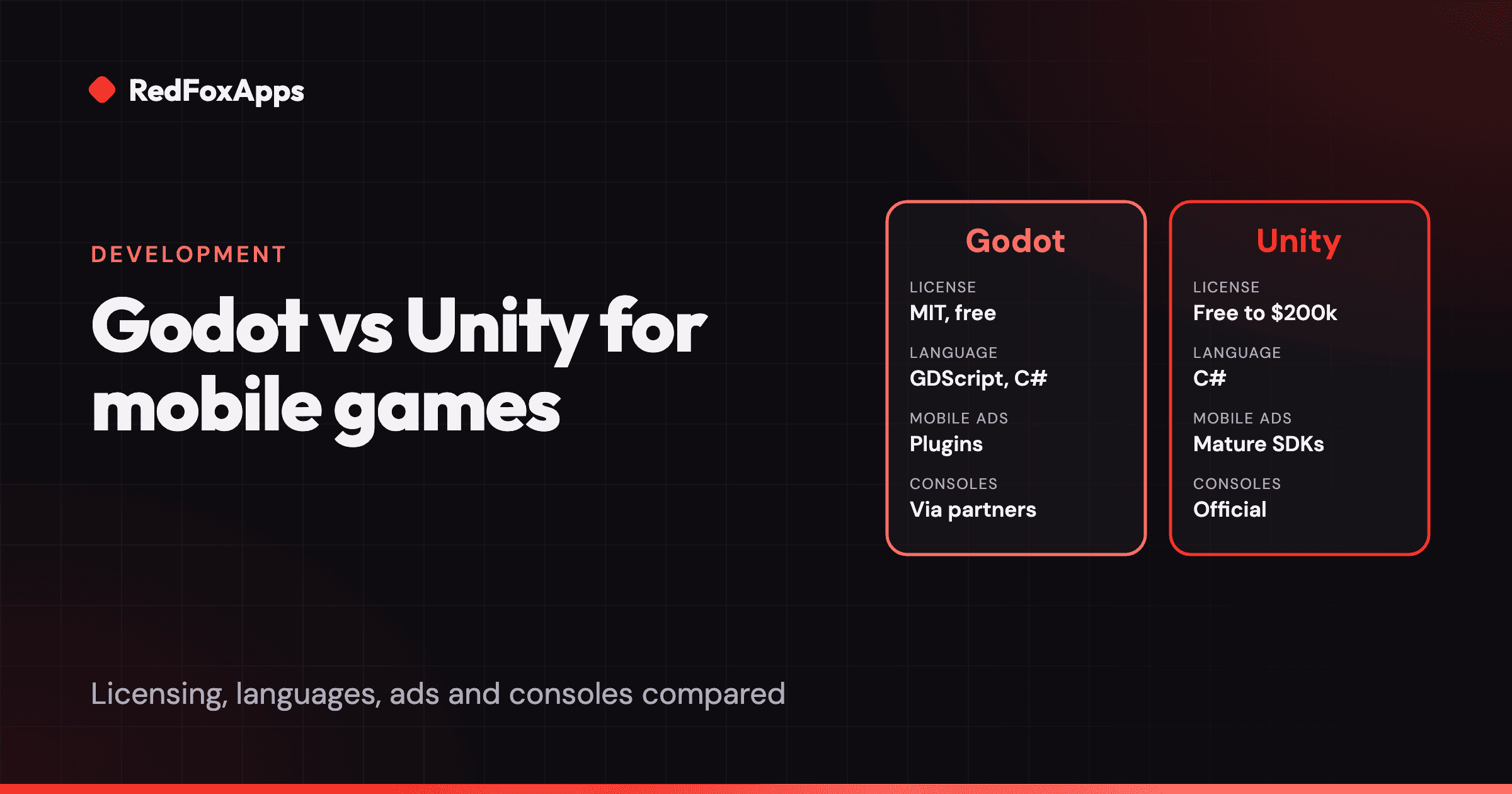
Choose Unity for a free-to-play mobile game that relies on ads, in-app purchases and attribution SDKs, or needs strong 3D and console support. Choose Godot for 2D or stylised 3D games where you want an MIT-licensed engine with no fees ever, a light editor, and few third-party SDKs.
If you are building a commercial mobile game in 2026 and plan to pay for it with ads and in-app purchases, Unity is the safer default. If you want a free, open-source engine with no licence fees ever, a small download and a fast editor, and your game is 2D or light 3D, Godot is a strong choice. The rest of this article explains where that line falls.
We build our own games, Herd Out and Voxel Blaster, in Unity, so we have a bias. We have tried to keep it out of the comparison and to say plainly where Godot is the better tool.
What is the main difference between Godot and Unity?
Godot is a free, open-source engine under the MIT licence. You download it, you own what you make, and nobody takes a share of your revenue, now or later. It is run by the non-profit Godot Foundation and developed in the open.
Unity is a commercial engine owned by Unity Technologies. It is free to use on the Personal plan until your revenue and funding pass $200,000 a year, after which you need a paid Pro or Enterprise seat. In return you get a larger ecosystem: more tutorials, more Asset Store packages, and an SDK from almost every ad network, analytics tool and attribution provider in mobile.
Everything else follows from that difference. Godot is smaller, lighter and fully yours. Unity is heavier, costs money once you succeed, and plugs into the mobile business stack with less effort.
Godot vs Unity at a glance
| Godot | Unity | |
|---|---|---|
| Licence | MIT, free forever, no royalties | Personal is free up to $200,000 revenue and funding a year; Pro or Enterprise above that |
| Main languages | GDScript (Python-like), C#, C++ via GDExtension | C# |
| 2D | Dedicated 2D engine with pixel coordinates | 2D tools built on top of a 3D engine |
| 3D | Good for stylised and mid-range 3D; improving fast | Mature, with URP and HDRP render pipelines |
| Mobile exports | Android and iOS | Android and iOS, plus many more platforms |
| Ads, IAP, attribution SDKs | Mostly community or vendor plugins; check each one | Official Unity plugins from most networks and MMPs |
| Consoles | Through third-party porting companies | Official support, with platform holder approval |
| Editor size and speed | Small download, opens in seconds | Large install, slower project loads |
| Hiring | Smaller talent pool | Large talent pool, especially for mobile |
Check Unity's pricing page before you budget. Unity has changed its plans several times since 2023, including the runtime fee it announced and then cancelled in 2024.
Is Godot good for mobile games?
Yes, for the right game. Godot exports to Android and iOS from the same project, and its 2D engine is one of the nicest to work with in any tool. Puzzle games, card games, idle games and pixel-art action games all fit it well.
There are three things to check before you commit:
- Monetization plugins. Ads, in-app purchases, analytics and attribution are where mobile games make their money. In Unity, AppLovin MAX, Unity LevelPlay, AdMob, AppsFlyer, Adjust and Firebase all ship official packages. In Godot, many of these exist as community-maintained plugins or newer official ones. List every SDK your business model needs and confirm each has a maintained Godot plugin for the engine version you plan to use.
- C# on mobile. GDScript exports to mobile without fuss. C# support for Android and iOS arrived later than desktop support in Godot 4. If your team wants C#, read the current export docs for your target version.
- Device coverage. Test on cheap Android phones early. Every engine has GPU driver quirks on low-end devices. Unity has had more years and more shipped games to find and fix them.
None of these is a blocker. They are a list of things to prove in your first two weeks, not at the end.
Is Unity still worth it after the runtime fee?
For most commercial mobile studios, yes. Unity announced a per-install runtime fee in 2023, faced a backlash, and cancelled it for games in September 2024. Its current terms say Unity Personal is free up to $200,000 in revenue and funding a year, and Pro is required above that. Enterprise is required above $25 million.
The episode cost Unity a lot of goodwill, and it is the main reason many indie developers moved to Godot. It is fair to factor that history into your decision. But the practical reasons studios stay on Unity have not changed: the ad and analytics SDKs, the Asset Store, the hiring pool, and years of shipped mobile games behind the engine.
Which is cheaper: Godot or Unity?
Godot is always free. Unity is free until you are earning, and then it costs a seat fee per developer per year.
A worked example. A three-person team ships a mobile game that brings in $150,000 in its first year. They stay under Unity's $200,000 threshold, so Unity costs them nothing. In year two the game earns $400,000. Now each of the three seats needs Unity Pro. The licence bill is three times the current Pro seat price. With Godot, the bill in both years is zero.
That sounds like a clear win for Godot, but the engine licence is rarely the biggest cost. Salaries, art, user acquisition and LiveOps cost far more. If Unity's ecosystem saves even a few weeks of plugin work or debugging, it can pay for the seats. If it does not, the money stays in your pocket with Godot. See how much it costs to make an app or mobile game for the full budget picture.
When should you choose Godot?
Choose Godot when:
- Your game is 2D or stylised 3D and does not need high-end rendering.
- You want no licence fees and no platform risk, ever. The MIT licence cannot be changed for code you already have.
- You make premium games or games with simple monetization, so you need few third-party SDKs.
- Your team is small and values a fast, light editor over a large asset store.
- You like GDScript. Many developers find it quicker to write than C# for gameplay code.
When should you choose Unity?
Choose Unity when:
- Your game is free-to-play and depends on ad mediation, in-app purchases, an MMP and remote config from day one.
- You need 3D performance on a wide range of Android phones.
- You plan to port to consoles and want official support.
- You need to hire quickly. Far more mobile developers have shipped Unity games.
- You work with a publisher. Many mobile publishers have SDKs, tools and test pipelines built for Unity.
This is why we use Unity at RedFoxApps. Our games are free-to-play, rely on ads and in-app purchases, and need the same measurement stack on every title. Unity lets us reuse that setup across projects. If we were making a premium pixel-art game for PC and mobile, we would look hard at Godot.
How do you decide for your own game?
Do not decide from articles, this one included. Build the same small slice in both engines over a week or two:
- One screen of real gameplay with your art style.
- One rewarded ad and one in-app purchase working on a real phone.
- A build on the cheapest Android phone you can find, plus one iPhone.
Then compare how long each took, how the builds run, and which engine your team enjoyed using. That test answers the question better than any feature table.
If you are also weighing app frameworks for non-game projects, read our comparison of Unity vs Flutter vs React Native. If you want help building in Unity, see our Unity development service.
Sources
- Godot Engine licence (MIT) (Godot Engine)
- Unity pricing and Editor terms updates (Unity)
- Exporting for Android (Godot Docs)
- Exporting for iOS (Godot Docs)