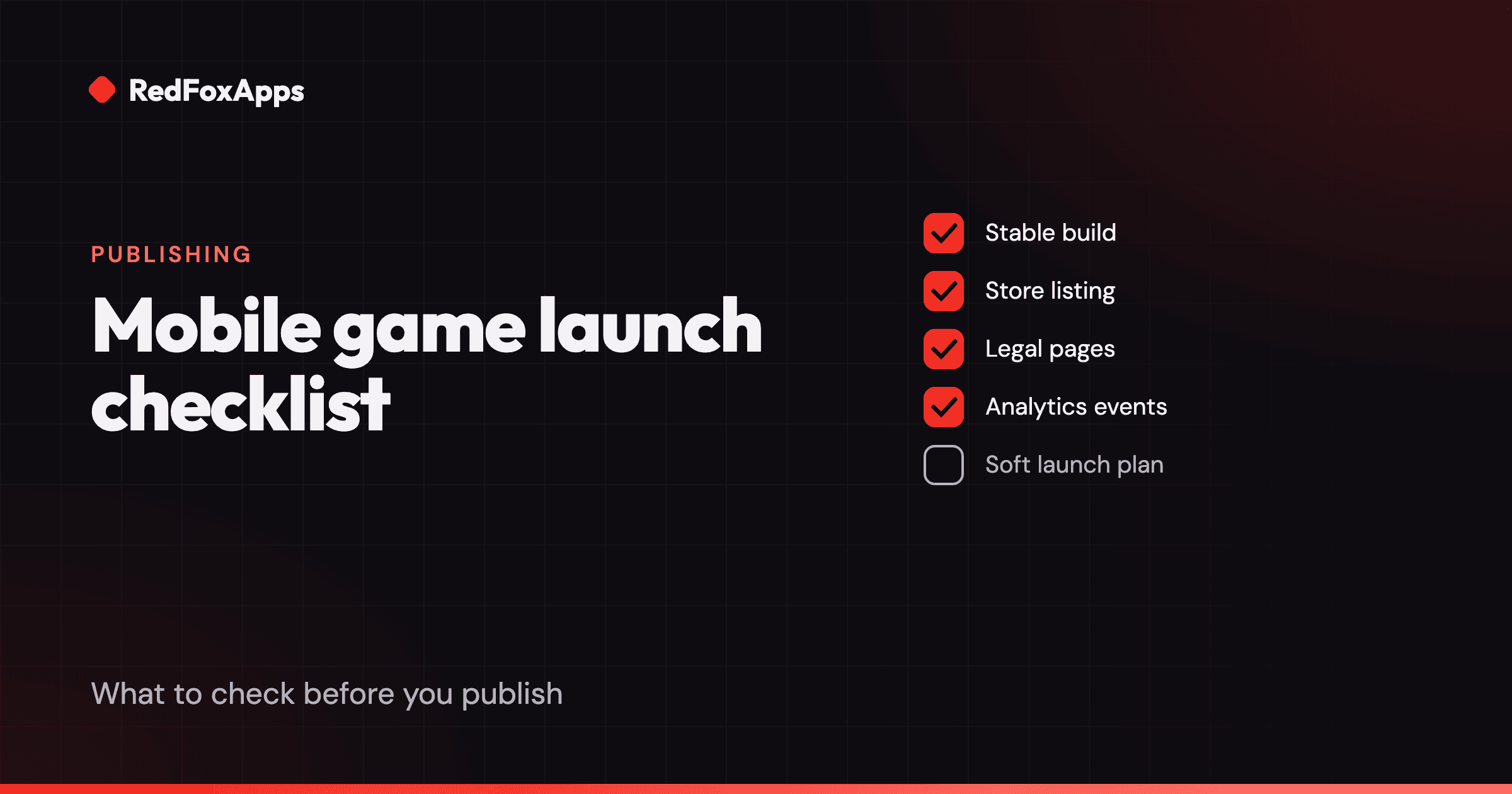
Before you publish a mobile game, check that the build is stable on low-end devices, the store listing is complete and inside each store's limits, the privacy policy, data disclosures and age ratings are correct, purchases and ads work and can be restored, analytics events fire, and a soft launch in a few markets is planned.
Most launch problems are not design problems. They are a missing privacy link, a purchase that cannot be restored, or an analytics event that never fired. This checklist covers what to confirm before you press publish on Google Play and the App Store, grouped by area. Work through it a week before launch, not the night before.
1. Build quality
- A full play-through on a low-end Android phone and an older iPhone, not only on your own device.
- No crashes in the first session. Google Play flags apps whose crash or ANR (app not responding) rates pass its Android vitals thresholds, which can hurt visibility.
- Cold start under a few seconds. Long loading screens on first launch cost retention.
- Works in portrait or landscape as intended, on notched and tall screens, and on tablets if you list them.
- Works offline where it should, and shows a clear message where it cannot.
- Audio respects the silent switch and pauses when a call comes in.
- The Android build targets the API level Google Play currently requires for new apps.
- App size checked. Large first downloads lose installs on mobile data.
2. First-time experience
- The player reaches real gameplay within the first minute.
- The tutorial can be skipped or is short enough not to need skipping.
- Permission prompts (notifications, tracking) appear after the player sees value, not on the first screen.
- On iOS, if you track users across apps for ads, the App Tracking Transparency prompt is in place and its text explains why.
3. Store listing
- Name, subtitle or short description and keywords written for search and inside each store's limits. See App Store and Google Play metadata limits.
- Icon tested at small sizes. It must read on a crowded search results page.
- Screenshots show real gameplay, with the strongest one first.
- A short preview video that opens on gameplay, not a logo.
- Correct category and tags.
- Localised listing for your main soft launch and launch markets.
- No banned words in the title on Google Play, such as "best", "#1" or "free".
4. Legal and privacy
- A privacy policy at a permanent URL, linked in both stores and inside the game.
- Terms of use and a support page at permanent URLs.
- Google Play Data safety form and Apple App Privacy details match what the game and every SDK actually collect, including ad and analytics SDKs.
- Age rating questionnaires completed honestly in both stores.
- If players can create accounts, they can also delete their account from inside the app. Both stores require it.
- A consent message for players in the EU and UK if you show personalised ads.
5. Monetization
- Every in-app purchase tested in sandbox on both platforms, including failed and cancelled payments.
- Restore purchases works and is easy to find.
- Prices set for every country you launch in.
- Rewarded ads give the reward every time, even on slow connections.
- Ad frequency feels fair in the first session. Aggressive interstitials early on hurt D1 retention.
- Ad mediation and test devices switched to live mode for the release build.
6. Analytics and attribution
- Core events tracked: install, first open, tutorial complete, level start and complete, first purchase, ad viewed.
- Retention readable by day and by install cohort, not only as a total.
- Revenue events include currency and value, so ARPDAU and LTV can be calculated.
- Events checked on a real device in the release build.
- An MMP added and tested if you will run ads on more than one network.
- Remote config in place, so you can tune difficulty and rewards without a new build.
7. Testing and review
- Google Play: new personal developer accounts must run a closed test with at least 12 testers for 14 days before they can publish to production. Plan for it.
- App Store: a TestFlight build tested by people outside the team.
- Review notes written for Apple, including a demo account if the game needs a login.
- Time for one rejection. First submissions are often sent back once.
8. Soft launch plan
- Two or three soft launch markets chosen. See soft launch.
- Targets agreed in advance: D1, D7 retention and cost per install.
- A small test ad budget and two or three creatives ready. See creative testing.
- A decision date: scale, fix or stop.
9. The first week after launch
- Check crash reports and Android vitals every day.
- Reply to early reviews, especially bug reports.
- Compare day 1 retention by country and by traffic source.
- Ship a fix update within the first week if anything is broken. Both stores treat quick fixes well.
- Plan the first LiveOps event, so returning players find something new.
Our mobile game publishing guide covers each stage in more depth. If you want a second pair of eyes on a build before launch, see our publishing service.
Sources
- Apple Developer: App Store product page (Apple Developer)
- App testing requirements for new personal developer accounts (Google Play Console Help)
- Android vitals (Android Developers)
- App Store Review Guidelines (Apple Developer)